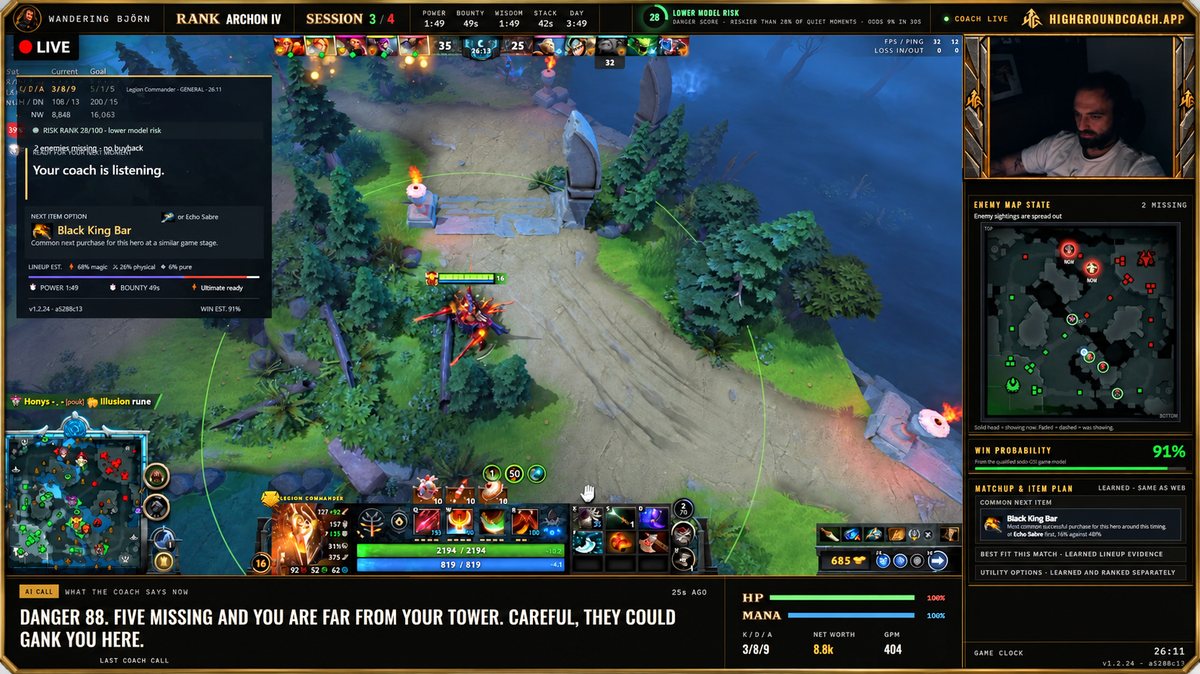
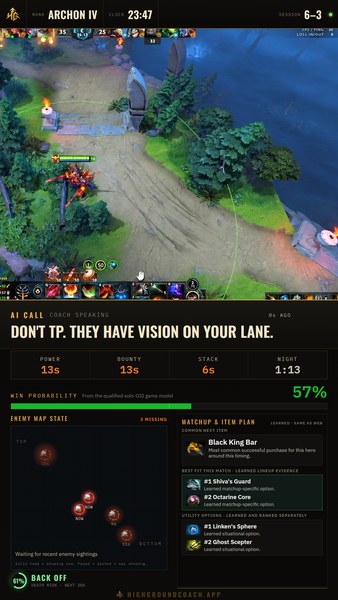
Show the coach's live advice on stream with the compact HUD included in the Windows client. Run OBS and Highground on the same PC, then follow the setup steps below.
Custom scene examples The horizontal and vertical layouts below are from our own stream. They include custom game placement and panels; they are not a ready-made scene that appears when you add the standard HUD. The instructions below set up the included compact coaching panel. Contact us if you'd like help with a full custom scene.
Custom scenes from our stream · the included compact HUD is set up below.
1920 × 1080 · Custom horizontal example with separate game, camera and coaching panels.
STEP 1
Start Highground
Get Highground, open the Windows client and enter your licence key when asked. Keep the client running while you stream, on the same PC as OBS.
Closing the client stops the stream HUD. An active Dota session supplies its live coaching data.
STEP 2
Add a Browser source
In OBS, select your scene. Under Sources, click + → Browser and name it Highground. Leave Local file unchecked. Paste this exact address into URL:
http://127.0.0.1:43721/hud
Use it exactly as shown. No username, private link or licence key goes in this address.
STEP 3
Size and place it
Set Width: 410 and Height: 388, then click OK. Place the Highground source above your game capture in the Sources list, then drag it where you'd like it.
This adds the compact coaching panel to either a horizontal or vertical scene. Use its eye icon to hide it on stream.
Check it before going live
Make a short test recording during a Dota session. The browser source is visual; capture the client's voice through your usual OBS audio setup and check that both game and coach are audible. Ctrl+Alt+H controls your in-game HUD, independently of the OBS source.
Nothing loading?
Open http://127.0.0.1:43721/hud in a browser on the same PC. If it cannot connect, check that the current Highground client is running. A waiting-for-game message means it needs fresh Dota data. This local address does not work from a second streaming PC.
Creator partners: your viewers get a discount with your creator code, for example 10% off their first payment, and you earn a share of what they pay. We set up your code and discount with you. Become a partner